
Two Methods, Two Different Daily Routines
Step-by-Step Guide to Issuing an E-Invoice (GİB Portal and Integrator)
There are two ways to issue e-invoices: the GİB Portal and a private integrator. We’ve outlined the steps for both, explained which option is best for whom, and listed the information you need to have ready before issuing an invoice.
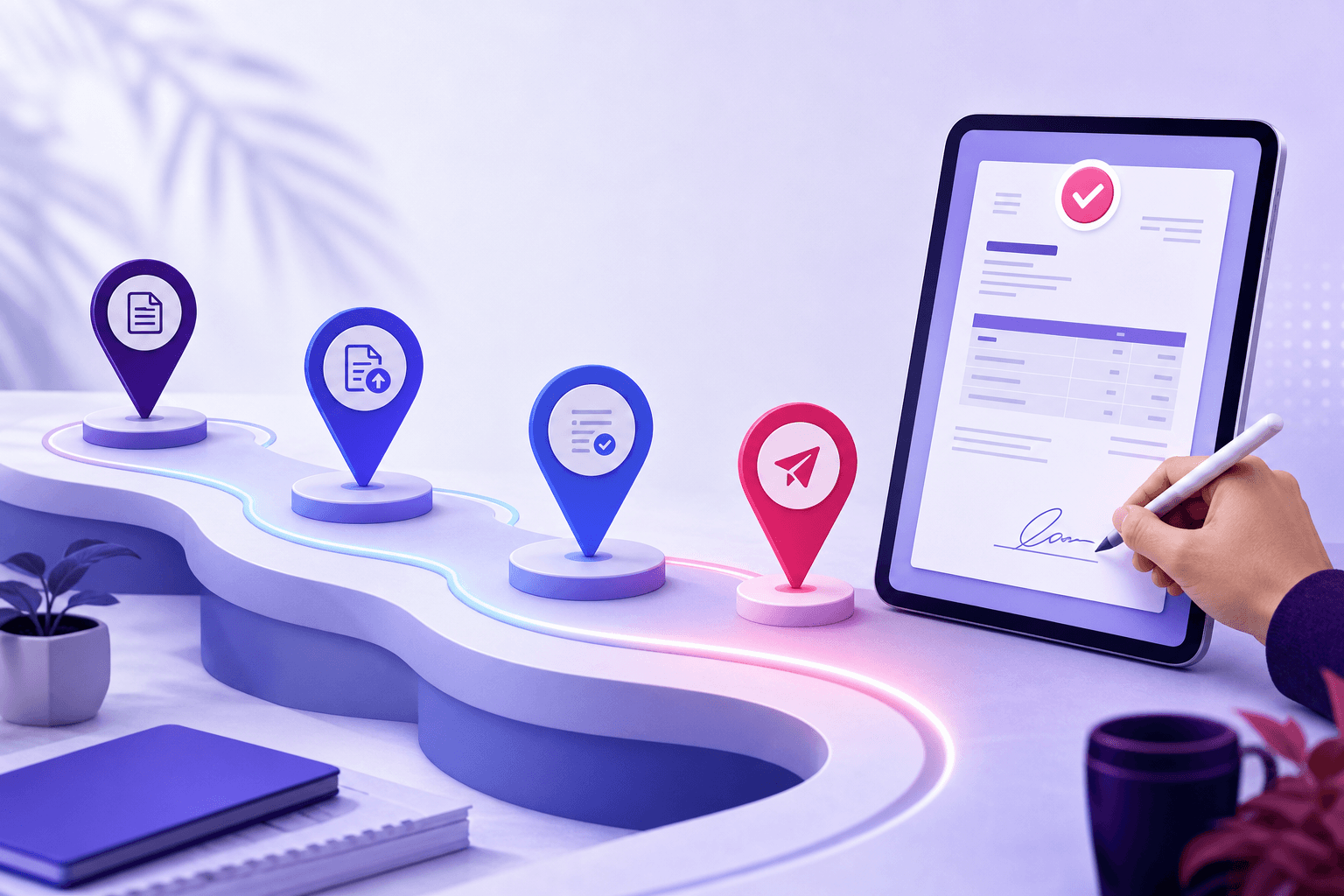
You’ve become an e-invoice taxpayer and need to issue your first invoice. You have two options: the GİB’s own portal or a private integrator.
Both produce the same document, and both are legally valid. The difference becomes apparent when you consider how many times a day you’ll be doing this.
What You Need to Have Ready Before Issuing an Invoice
No matter which method you choose, you can’t proceed without the following:
- A financial seal. Mandatory for corporations; sole proprietorships may also use an e-signature. The application and delivery process can take a few days, so don’t wait until the last minute.
- A completed e-invoice application. You cannot send invoices if your tax registration is not active.
- Accurate company information. Name, tax ID number, tax office, address. Even a single typo here will cause the document to be rejected.
- Recipient’s tax ID number. Whether the invoice is an e-invoice or an e-archive is determined based on this. We explained the difference between e-invoices and e-archives in our article.
Method 1: GİB Portal
GİB’s free portal is a basic interface designed for taxpayers with low transaction volumes. The steps are as follows:
- Log in to the portal using your financial seal or e-signature.
- Open the invoice creation screen and select the document type.
- Enter the recipient’s tax ID number and retrieve their records from the system.
- Add the line items one by one: product name, quantity, unit price, and VAT rate.
- Check the totals, sign the document, and send it.
Its biggest advantage is that it’s free. Its weakness becomes apparent with daily use: product and customer information must be entered manually each time, it isn’t integrated with your bookkeeping system, and current balances and inventory aren’t updated automatically. If you issue just a few invoices a month, this isn’t a problem. But if you issue several invoices a day, this task quickly becomes tedious.
Method 2: Through a dedicated integrator
An integrator is an authorized service provider that submits the document to the Turkish Revenue Administration (GİB) on your behalf. Your accounting software connects to the integrator, and the invoicing process remains within the software.
Here’s how the process works through Qolay.App:
- One-time setup. Configure the integrator connection and invoice series definitions in the Settings section.
- Sales → Invoices → New Invoice.
- Select the customer. If it’s a registered customer, the information is pre-filled; if it’s a new customer, you can create a customer card from the invoice screen. The document type is also selected here.
- Add line items. When you select a product card, the price and VAT rate are automatically populated; you just need to enter the quantity.
- Save and send. The document goes to the integrator and from there to the Turkish Revenue Administration (GİB). You can track its status from the same list.
The real benefit isn’t the speed of issuing invoices, but what happens behind the scenes: with a single transaction, the customer’s balance is updated, inventory is deducted, and the data is processed for the VAT report. With the portal method, you have to do all of these steps separately.
Which one is right for you?
| GİB Portal | Integrator | |
|---|---|---|
| Cost | Free | Credit or package fee |
| Integration with accounting software | None | Accounts receivable, inventory, and VAT are automated |
| Batch processing | Limited | Available |
| Suitable volume | A few invoices per month | Businesses that issue invoices regularly |
A rough guideline: if you issue fewer than 10 invoices per month, the portal will suffice. If you issue more than that, the cost of the integrator pales in comparison to the time it saves.
Common issues with the first invoice
- Document rejected. Usually, there’s an error in the recipient’s information—the tax ID or company name doesn’t match.
- No serial number defined. If this is skipped during setup, an invoice number cannot be generated. It must be defined in the Settings section.
- The financial seal has expired. The seal has a validity period that expires silently; sending invoices stops on that day.
- Incorrect VAT rate. If the rate in the product card is incorrect, it will be carried over to every invoice. Setting up the cards correctly from the start is cheaper than correcting them later.
Frequently Asked Questions
Can I issue invoices from the field?
Yes, using the integrator method. See the article on issuing e-invoices on mobile for details.
Can I delete an invoice I issued incorrectly?
An e-invoice that has already been received by the other party cannot be deleted unilaterally. Corrections are made via a rejection or credit memo, depending on the scenario.
Do I need to provide a printed copy of the invoice to the customer?
It’s not required with e-invoices; the document is delivered to the recipient’s inbox, and the printout is for informational purposes only. If you want to customize the printout’s appearance to match your brand, check out our article on print templates.
Can I change the integrator later?
Yes, you can switch providers. Make sure to clarify access to your past documents during the contract phase.
Issuing e-invoices isn’t technically difficult; the challenge lies in doing it consistently every day. Choose your method with this in mind.
By opening a free account on Qolay.App, you can set up your integrator connection and issue your first invoice.
This article is for general informational purposes only. Consult your tax advisor regarding your tax obligations and document compliance requirements.
Related articles
Other guides close to this topic.
Converting Marketplace Orders to Invoices
Pull the Order, Let the System Generate the Invoice
Invoicing orders one by one from Trendyol, Hepsiburada, and other marketplaces takes days. We explained how to set up the store connection, how orders are converted into invoices, and their impact on stock.
Read more
Invoicing in Service Exports
Selling Software, Design, and Consultancy Abroad
What conditions apply to the VAT exemption on service invoices issued to overseas clients? We covered document types, foreign currency-earning service deductions, and the most common mistakes.
Read more
E-Document Storage Obligation and Durations
"It Resides at the Integrator" Is Not Enough
The responsibility for storing e-documents lies with the taxpayer. We explained how many years they must be kept, why the PDF is not enough, and what happens to past documents when changing integrators.
Read more