
The Difference of Invoicing Right Where the Work Finishes
Issuing E-Invoices on Mobile
Finishing a field job and issuing the invoice back at the office delays collection by that exact same duration. We explained the mobile e-invoicing workflow, what can be done on your phone, and what remains on the web.
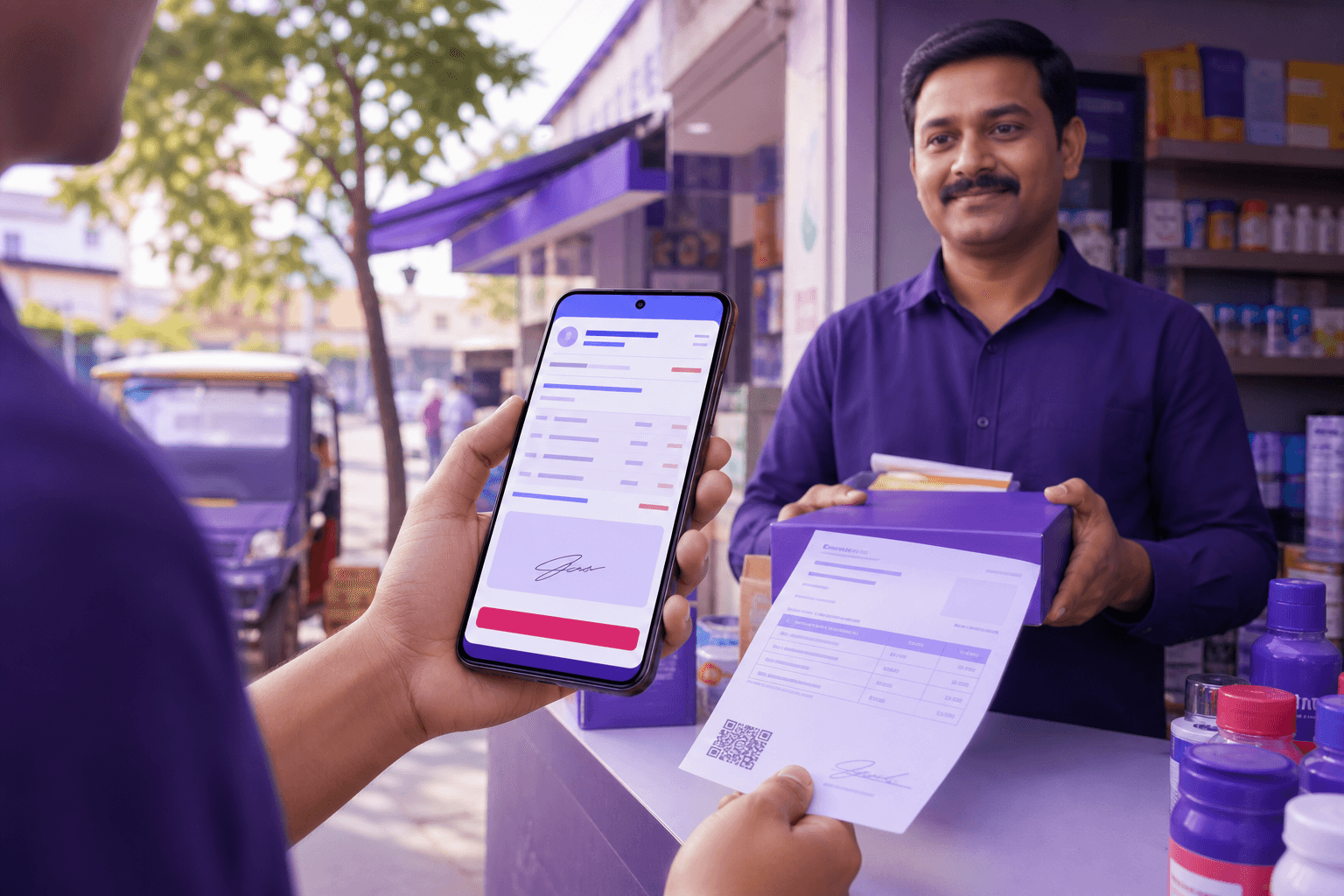
Assembly is done, the service is completed, and the goods are delivered. The customer says, "send the invoice," and you plan to issue it when you get back to the office in the evening.
But in the evening, other tasks come up, and the next day brings another customer. The invoice is delayed by two days, and the collection is delayed right along with it. Yet, the exact moment the customer remembers the job and is most ready to pay is right when the work is finished.
Same account, same data
The mobile app is not a separate system. The current account, product, and stock information you see on the web also appear on your phone with the same account. An invoice you issue in the field appears instantly on the office computer.
This means no hassle of "I'll sync the data later." One single record, two screens.
Invoice workflow in the field
- Open a new invoice from the app.
- Select the customer. If they are not registered, you can create the current account card right here.
- Add the product or service; the price and VAT are pulled from the cards.
- Save and send. The document reaches the buyer through the integrator.
- If payment was received on the spot, process the collection at the same time.
The final step is the most valuable one. When you record the collection on the spot, the current account balance is closed, and the uncertainty of "did I actually receive that payment?" never arises.
Where mobile is truly useful
- Stock inquiry. The customer asks, "do you have this in stock?"; you can check without calling the warehouse.
- Current account balance check. Seeing the customer's open balance before taking a new order prevents risky sales right from the start.
- Receipt photography. Travel expenses, fuel, lunch — you can snap a photo of the receipt right then and convert it into an expense record.
- Collection recording. Instantly processing information on cash or bank transfers received in the field prevents cash register discrepancies.
What stays on the web?
Mobile is designed for daily operations, not for configuration. Tasks such as integrator setup, series definitions, user permissions, and print template design are done on the web.
In other words, what you might call "missing on mobile" is usually not a missing feature, but a conscious distinction. Setting up once via the web and using mobile in the field is the expected workflow.
Frequently asked questions
Can I issue invoices if there is no internet?
Since e-document submission is done via the integrator, a connection is required. If the signal is weak, it is safer to save the invoice and send it once the connection is restored.
Is there a separate fee for mobile?
No, it is included in the same account. Plan coverage details can be found in the free pre-accounting software article.
Can everyone on the team issue invoices from mobile?
Users you authorize can issue them. Opening only the menus the field team needs is a good practice for maintaining record integrity.
Can I provide an invoice printout on the spot?
Printouts can be provided for e-Archive invoices. Check out the print template customization guide to match the appearance with your brand.
Issuing invoices from mobile saves not just a few minutes, but a few days. It closes the gap between invoicing and collection.
Open a free account on Qolay.App and start issuing invoices right from the field.
Related articles
Other guides close to this topic.
Converting Marketplace Orders to Invoices
Pull the Order, Let the System Generate the Invoice
Invoicing orders one by one from Trendyol, Hepsiburada, and other marketplaces takes days. We explained how to set up the store connection, how orders are converted into invoices, and their impact on stock.

Installment Sales and Payment Plan Tracking
When Splitting the Invoice Across Months
The real challenge in installment sales isn't issuing the invoice, but chasing down every due date. We explained how to set up an installment plan and match it with collections.

When Transitioning from the Portal to Pre-Accounting Software
You Have Invoices, But No Organization
Issuing invoices on the portal works, but current account, stock, and collection tracking are left outside. We explained which data is transferred during the transition and what to pay attention to.