

Matching Net Amounts from Payment Institutions with Invoices
Virtual POS (iyzico, PayTR, Param) Deduction, Maturity, and Blockage Tracking
Learn how to track deductions, maturity, and blockage periods for payment institutions like iyzico, PayTR, and Param; match net amounts accurately in your front-end accounting.

Time to Prevent Revenue Loss in Virtual POS Processes
For e-commerce sites selling online, marketplace sellers, and freelancers providing digital services, one of the biggest operational burdens is managing the differences between the amount charged to the customer's card and the net figure deposited into the company's bank account. When collecting payments through popular payment institutions like iyzico, PayTR, and Param, your account never receives the full 1,000 TL when a customer pays 1,000 TL. There are commission deductions, maturity differences, and blockage periods applied by the payment institution in between. Failure to track these differences accurately in front-end accounting leads businesses to miscalculate their profitability and even experience discrepancies in their tax returns.
In this comprehensive guide, we cover how to process virtual POS commission invoices, how to reconcile payouts with bank accounts, and the impact of blockage periods on your cash flow. You can also benefit from our POS reconciliation and commission tracking guide to manage your front-end accounting flawlessly and accelerate your collection tracking.
Virtual POS Accounting and Basic Financial Concepts
Clearly understanding the terms you encounter when working with payment institutions is vital for the health of your financial operations. Unlike traditional bank POS devices, alternative payment institutions offer digital wallets, saved cards, and single-payment or installment alternatives. The basic concepts operating behind this structure are as follows:
- Gross Amount: The total figure the customer pays after confirming their cart. This amount also forms the tax base for the sales invoice issued to the customer.
- Commission Rate: The service fee charged by the payment institution (iyzico, PayTR, Param, etc.) for every successful transaction. The payment institution issues a commission invoice (Service Invoice) to you at the end of each month for this fee.
- Blockage Period: The time the money is held in the payment institution's pool for security, refund, or risk management purposes. This period can start from 1 day and can last for weeks depending on the maturity structure of installment transactions.
- Net Payout: The net money transferred to your bank account after deducting the commission, VAT, and other deductions (if any) from the gross amount.
SME Case Scenario: Daily Reconciliation of an Example E-Commerce Business
Let's make this theoretical process concrete through a fictional SME called 'Wood Workshop', which sells home decor products and has a monthly virtual POS turnover volume of 250,000 TL. The business receives payments from its customers through both iyzico and PayTR infrastructures. On October 10, e-commerce sales totaling 50,000 TL gross were made. 30,000 TL of this sale went through iyzico, and 20,000 TL went through PayTR.
When the 2.49% commission rate on the iyzico side was deducted, a net payout of 29,253 TL was deposited into the company's bank account the next day, October 11. The remaining 747 TL stayed in the account as iyzico's service fee, and a commission invoice including VAT was issued for this amount at the end of the month. On the PayTR side, with an average commission rate of 2.35%, 19,530 TL was transferred to the account from the 20,000 TL gross sale, and a 470 TL commission amount was deducted. The front-end accounting staff pulled daily reports from both payment institutions' panels and recorded these figures directly into the virtual POS pool accounts in the front-end accounting software. Thus, the 1,217 TL total commission difference between the 50,000 TL gross revenue on the sales invoices and the 48,783 TL net cash entering the bank was recorded in the books to be offset later without error. This disciplined approach completely eliminated inconsistencies that could have occurred in the end-of-month VAT and provisional tax returns.
Comparison of Payment Institutions' Commission, Maturity, and Deductions
Different payment institutions offer varying rates depending on your business volume and sector. The table below summarizes the key features of common structures like iyzico, PayTR, and Param that should be considered in front-end accounting processes.
| Payment Institution | Blockage and Maturity Structure | Commission Invoice Cycle | Front-End Accounting Tracking Difficulty |
|---|---|---|---|
| iyzico | Usually next day or deferred maturity | Bulk e-invoice at monthly intervals | Medium (Detailed payout report required) |
| PayTR | Daily payout or according to maturity option | Monthly issuance and download from portal | Medium (Intensive depending on transaction volume) |
| Param | Flexible maturity plans and integrated solutions | Periodic service invoicing | Low-Medium (Easy with regular reporting) |
| Common Pool / Other Providers | Variable maturity, structured wallet flows | Periodic and transaction-based reconciliation | High (Requires special attention for manual tracking) |
| International / Alternative Networks | Currency-based delayed transfer processes | Instant withdrawal and statement from online system | High (Due to exchange rate differences and commission variety) |
When working with these institutions, you must meticulously manage your installment sales and payment plan tracking processes. Since maturity differences are spread over months in installment transactions, cash flow planning is essential for the survival of the business.
Step-by-Step Payout and Matching Order in Front-End Accounting
Follow these steps to avoid manual errors when recording payments from the virtual POS into your accounting software:
- Step 1 (Recording the Sale): When a customer shops on your website, issue the invoice for the full gross amount. For example, issue a 1,000 TL e-Invoice or e-Archive Invoice to the customer for a 1,000 TL sale.
- Step 2 (Virtual POS Pool Account): Do not record the sale amount to your main bank account, but to a "Virtual POS Receivables Pool Account" that you will open in your front-end accounting.
- Step 3 (Payout and Commission Distribution): When the payment institution transfers the net amount (e.g., 970 TL) to your account and uploads the 30 TL commission invoice to the system, close the 1,000 TL in the pool. Record the net 970 TL to your bank account and the 30 TL to the expense/commission account.
- Establish a Daily Control Routine: Every morning, match the previous day's virtual POS transaction totals one-to-one using the payment institution reports and the records in your front-end accounting software.
- Distinguish Refund and Cancellation Tracking: Prevent confusion by tracking the commission and principal reflections of credit card refund transactions in a separate sub-account.
- Bank Statement Reconciliation: Compare the payment institution transfer list directly with company bank account movements on a weekly basis.
To manage this cycle flawlessly, you can integrate the methods in our bank and cash management practical guide into your daily operations.
Common Mistakes and Financial Risks
There are some traps that e-commerce businesses frequently fall into during their front-end accounting processes. These errors both create problems in tax audits and show company profitability incorrectly:
- Issuing Invoices Based on Net Amount: Issuing an invoice based on the net amount deposited from the bank (970 TL) is the most common mistake. The invoice must always be issued based on the gross amount paid by the customer (1,000 TL).
- Ignoring Commission Invoices: Failing to record the service invoices issued by payment institutions as expenses leads to losing VAT deduction rights and miscalculating your tax base.
- Forgetting Blocked Amounts: Not comparing your bank account summary with the reports in the payment institution panel leads to missing payments going unnoticed.
Frequently Asked Questions
When do iyzico or PayTR commission invoices arrive?
Payment institutions usually send the commission invoices containing the deductions and service fees made within that month as e-Archive or e-Invoice at the end of each month. You need to forward these invoices to your accountant monthly.
How should I show the money in the blockage period in accounting?
Even if the blocked amounts have not yet been transferred to your bank account, they are considered collected. You should track these funds in pool accounts or the current account balance of the relevant payment institution.
Is the commission refunded when a customer makes a return?
While some payment institutions refund a portion of the commission deducted in refund transactions, others may not refund the fixed transaction fee. These details are included in the contract of the institution you work with.
Does using multiple virtual POS systems make front-end accounting difficult?
Using more than one virtual POS can make tracking difficult due to different rates and maturity periods. However, with advanced front-end accounting software, you can easily manage all these processes from a single screen.
What should I do if payment institution payout reports and bank statements do not match?
When a difference occurs between reports and statements, you should first examine the time shifts between transaction dates and value dates. Usually, transactions falling on weekends or transfers spilling over to the next business day due to public holidays are the main reasons for this discrepancy. You can contact the payment provider's support panel for detailed reconciliation.
Does using e-commerce integration fully automate virtual POS tracking?
Yes, thanks to integrations between front-end accounting software and e-commerce infrastructures, the process from order to collection is automated. The moment a customer makes a payment, the system confirms the order, issues the invoice, and records the receivable to the relevant pool account, reducing errors caused by manual data entry to zero.
Digital Transformation in Front-End Accounting
Tracking virtual POS deductions, maturity differences, and payouts in manual Excel tables becomes unmanageable after a while. To accelerate your business's financial operations, reset the margin of error, and see your cash flow instantly, you can start optimizing your front-end accounting processes immediately by opening a free account on Qolay.App.
This article is for general information purposes. Tax legislation, notification limits, and application details are updated periodically; consult your financial advisor and GİB announcements for your own business's situation.
Related articles
Other guides close to this topic.

Invoice Issuance Time and Amount Limits
The 7-Day Rule and Commonly Confused Thresholds
Until when do you need to issue an invoice, above which amount is a document mandatory, and above which amount is e-archive required? We've broken down three separate thresholds.
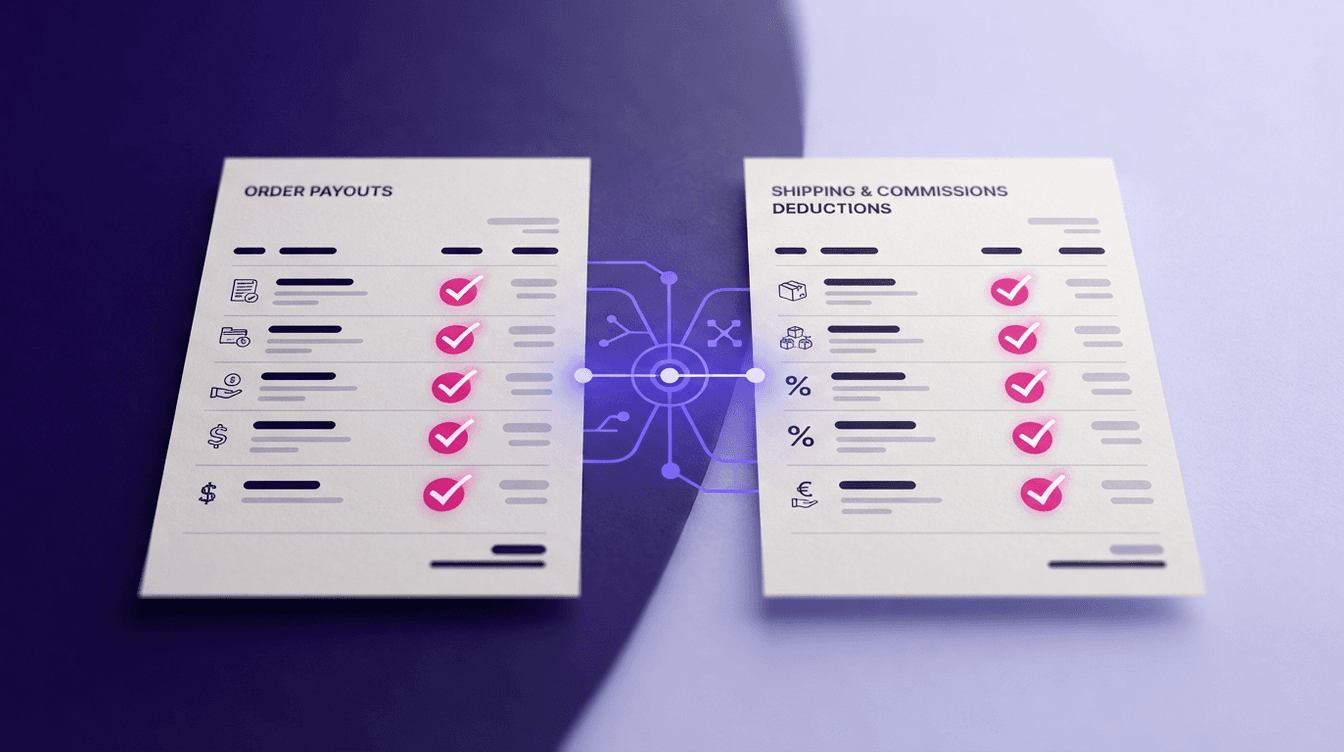
How to Perform Marketplace Settlement Reconciliation: Catching Short Payments
Checking Desi Differences, Penalty Deductions, and Return Offsets
Learn how to catch short payments, shipping volumetric weight (desi) differences, and return deductions by performing marketplace settlement reconciliation.