
Why the Amount Deposited to Your Account Is Lower
Marketplace Commission and Deduction Tracking
The difference between the sale amount and the money deposited into your bank consists of commissions, shipping, and returns. We explained how to record these items.
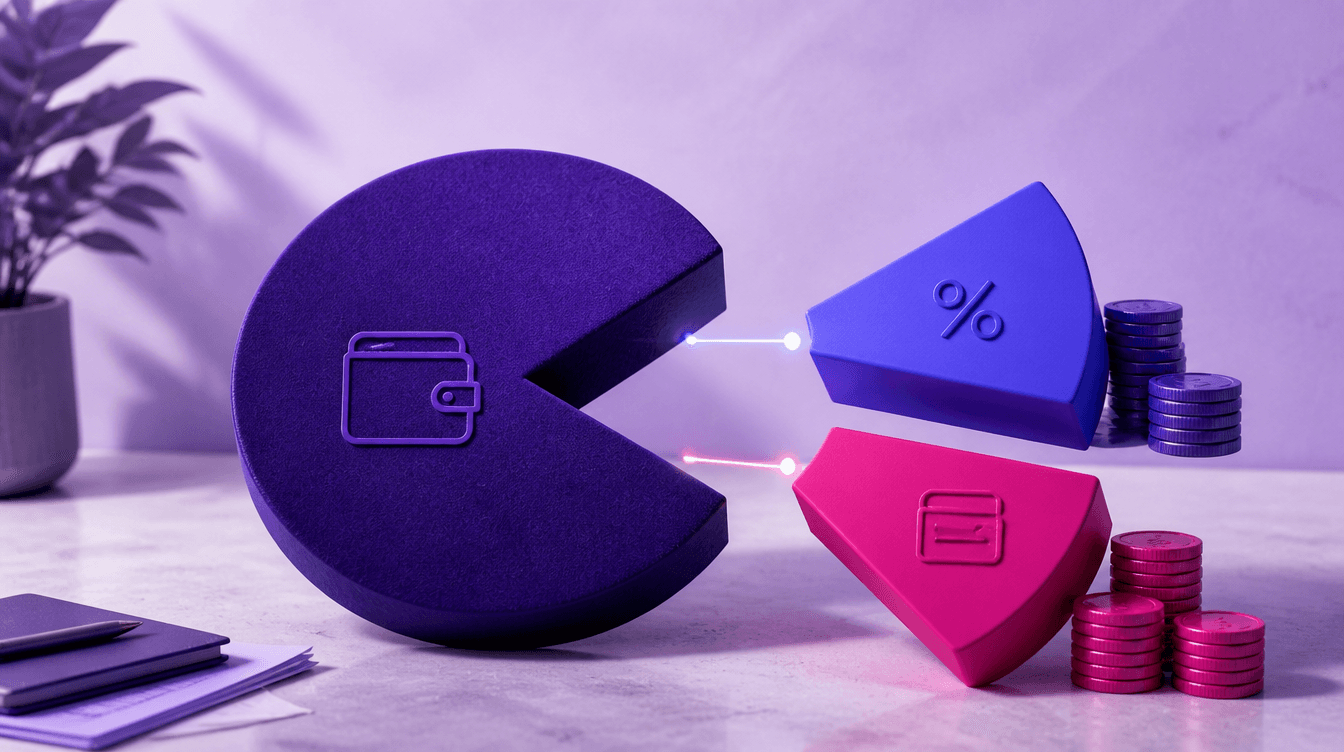
You see 10,000 TL in sales on the marketplace; 7,400 TL is deposited into your bank account. The 2,600 TL in between hasn't "disappeared" — it is distributed among commissions, shipping, service fees, and return deductions.
Writing this difference off as a single "expense" line prevents you from seeing which product is truly profitable.
What does the payout report say?
Platforms' periodic payout / payment reports generally include the following items:
- Gross sales. The total order amounts.
- Commission. Platform service fee (the rate varies by category).
- Shipping / logistics deduction. The portion reflected to the seller according to the agreement.
- Returns and cancellations. Amounts where the sale is reversed and additional deductions, if any.
- Other. Deductions like advertising, withholding tax, and correction lines.
- Net payment. The amount transferred to your account.
Since rates vary by platform and category, we don't write a fixed percentage here; the current tariff in your own dashboard applies.
Accounting logic: sales separate, deductions separate
The correct arrangement is roughly as follows:
- The order / sales invoice is recorded with the gross amount.
- Commissions and service fees are processed as expenses (or the relevant deduction).
- Your shipping share is tracked separately — so it doesn't get mixed up with product profit.
- When a return occurs, the sale and inventory are reversed; the return deduction appears separately.
- The amount deposited into the bank matches the net payout.
Saying "bank deposit = revenue" overstates the profit. We separately addressed this misconception in our article on common e-commerce accounting mistakes.
Reconciliation routine
Weekly or in every payment period:
- Net payout on the dashboard ↔ bank transaction
- Period gross sales ↔ invoices you issued
- Return quantity ↔ return documents / inventory entry
When a discrepancy arises, the reason is usually: delayed returns, advertising deductions, orders recorded in the wrong period, or missing invoices. If caught early, it's easy to fix; deciphering a dashboard line three months later becomes difficult.
Getting down to product-level profit
Two products generating the same revenue can leave very different profits due to commission and return rates. Therefore:
- Record the commission close to the category / product group if possible.
- Track SKUs with high return rates separately.
- Don't throw shipping costs into the "overhead" waste bin.
The article on shipping and return management completes the impact of these items on profit.
Frequently asked questions
What happens if the commission invoice doesn't arrive?
Platforms have different document layouts. Do not leave the payout line unrecorded; use temporary tracking until the document arrives and then match it. Clarify item classification with your financial advisor.
Is withholding tax a commission?
No. Tax deductions, if any, are read separately; do not record them under the same item as the commission.
How do I track across multiple marketplaces?
Use a separate current account or report line for each platform. It gets confusing in a single "marketplace" pot.
How do I link orders to invoices?
We explained the workflow in the article on converting marketplace orders to invoices; commission tracking goes hand in hand with the invoicing layout.
In summary: marketplace revenue and the money in the bank are not the same thing. Separating commissions, shipping, and returns and reconciling them with payouts is the only way to see true profit.
By opening a free account on Qolay.App, you can monitor your sales, expenses, and bank transactions in the same layout.
This article is for general informational purposes. Platform commission rates and document practices may change; your own dashboard and financial advisor should be taken as the basis.
Related articles
Other guides close to this topic.

POS Reconciliation and Commission Tracking
The Amount You Sell Is Not the Amount That Hits Your Account
The money you receive in your account from card sales is always less and always arrives later. We explained the bookkeeping of commissions, blockages, and installment sales.

How to Calculate Prices Including and Excluding VAT?
The Shortcut for Two-Way Calculation
Finding the excluding amount from a VAT-inclusive price and vice versa are different processes. We explained the formulas for both, the common rounding error, and its impact on the invoice.

Expense Tracking with Receipt Scanning
Snap a Photo of the Receipt, Let the System Read the Amount
Receipts piling up in the glove box are waiting to be entered one by one at the end of the month. Receipt scanning shortens this step: the amount, date, and vendor are read automatically, and you just approve. We explained how it works and its limits.