
Reclaiming the Time Spent Searching for Documents
File Management and E-Document Backup
Contracts on the desktop, receipts on the phone, e-document PDFs in the email. We wrote about the difference of storing documents alongside records, the free 512 MB quota, and what is worth backing up.
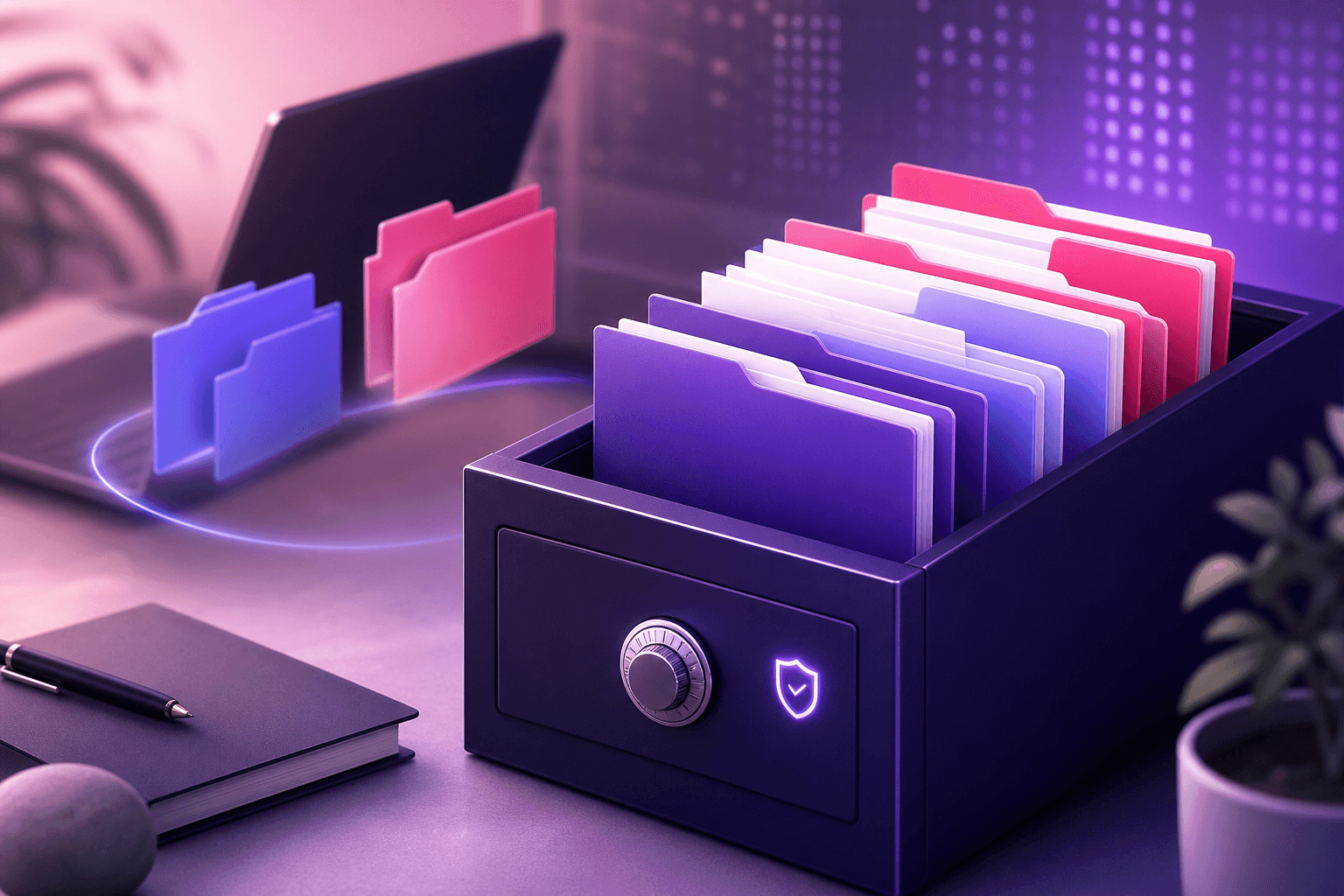
A customer calls: "Can you send the contract we signed last year?"
The next twenty minutes are spent digging through desktop folders, email archives, and WhatsApp chats. The document is finally found — but this happens every single time.
The problem isn't storage, it's association
Your files aren't actually lost; they're sitting somewhere. The issue is that there's no record linking which document belongs to which transaction.
Cloud storage alone doesn't solve this. No matter how organized your folder structure is, you still have to remember where you put the delivery note for a specific invoice.
The solution is to keep the document right next to the record: the contract in the customer card, the delivery note on the relevant invoice, the receipt in the expense record.
What is worth storing?
- Contracts and proposals. The first documents searched for when a dispute arises.
- Expense receipts. Thermal receipt paper fades over time; a digital copy lasts forever.
- e-Document backups. Even though the integrator keeps a record elsewhere, having your own copy saves the day if you switch integrators.
- Bank receipts and marketplace payment reports. The most sought-after files during reconciliation.
- Delivery notes, shipment photos. Documents that put an end to shipping disputes.
Quota: Starts at 512 MB
Document Management is not a separately sold module; it's included in the plan. The free plan comes with 512 MB of space per company.
512 MB might sound low, but considering PDFs and compressed photos, that means thousands of documents. What usually eats up space quickly is high-resolution photos uploaded from phones.
The space increases to 10 GB in the standard plan; additional GBs can also be purchased via the Marketplace if needed. Plan comparison is in the free pre-accounting article.
Keeping your archive useful
- Link the document to the relevant record. Dropping it into a general folder yields the same result as throwing it on the desktop.
- Use meaningful file names. "IMG_20260715_112233.jpg" is completely useless.
- Upload photos in a reasonable size. You don't need 12 megapixels just to read a receipt.
- Upload immediately. A document set aside with the thought "I'll upload it later" is where folder chaos begins.
Frequently asked questions
Can I upload from mobile?
Yes. You can directly upload photos of documents you take while in the field. For expense receipts, receipt scanning both saves the image and prepares the expense record.
What should I check if the file won't upload?
In order: file size, file format, remaining quota, and whether you are logged in.
Does this meet legal retention obligations?
Consult your financial advisor regarding the scope of your document retention obligation and the sufficiency of digital copies. The archive here solves your access and organization needs.
I have two companies, is the storage shared?
The quota is defined per company. We explained this distinction in the multi-company management article.
The true value of a document archive isn't about how much you store, but how fast you find what you're looking for. A document that stays alongside its record doesn't even need to be searched for.
Open a free account on Qolay.App and add your first contract to its corresponding customer card.
Related articles
Other guides close to this topic.

What Is Severance Pay in Lieu of Notice and When Is It Paid?
What Happens If the Notice Period Is Not Used?
Severance pay in lieu of notice is often confused with length-of-service compensation, but it arises from a different reason. We explained the notice periods, who pays whom, and the calculation logic.
ERP or Basic Accounting? Which One Do You Need
A Big System Isn't Always the Right Choice
Implementing an ERP is often too early and expensive for a small business. We compared the scope and transition threshold of both approaches.

What is the e-Archive Portal and When Is It Used?
Choosing Between the GIB Portal and Software
GIB's free e-archive portal works fine up to a certain volume. We've explained the portal's limits, who it is sufficient for, and when it falls short.