

Cutting Waste and Unit Cost Control in Leather Bag and Wallet Workshops
Accurately track cutting waste, lining, and accessory consumption in leather bag and wallet workshops; calculate unit costs transparently with Qolay.App.
On this page
The Surprising Cost Reality in Leather Workshops: Scraps on the Cutting Table
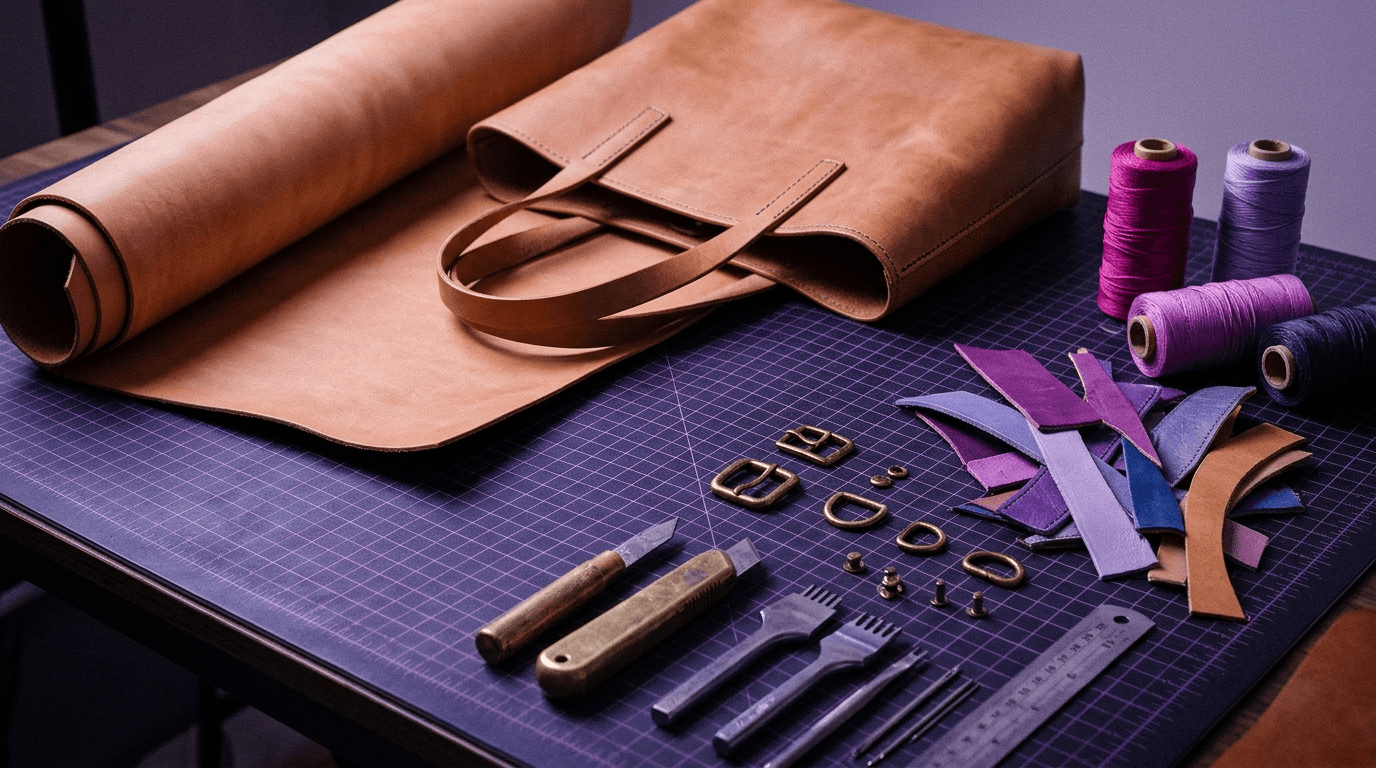
Working in workshops that produce leather bags, wallets, and cardholders is not like cutting standard rectangular fabrics or ready-made sheets. Each hide of cow or sheep leather comes in a natural shape; edge indentations, belly looseness, and natural grain marks on the surface directly affect pattern placement. Even if the net pattern area of a wallet is 0.12 m², at the end of a cutting day for 40 wallets, 0.80 m² of unusable leather scraps can accumulate next to the cutting table.
If you brush off these scraps by saying they are "just small pieces," fail to write them off from inventory, and omit them from the unit cost, you will face two problems at once: your leather stock on paper during warehouse counts will look higher than the actual stock on your shelf, and you will set your wholesale or e-commerce prices below your true cost. On the other hand, randomly hiding cutting waste within the main recipe prevents you from seeing which model or leather batch generates excessive waste.
Why Simple Recipes and Separate Waste Entries Instead of Heavy ERP and MRP?
For boutique and mid-sized leather goods workshops, large enterprise ERP or MRP software is both costly and cumbersome. Defining workstations for every wallet model and setting up separate team schedules for cutting and stitching stages slows down a 5–15 person workshop. What you need is a lean setup that directly connects the available leather, lining, thread, dust bag, and cutting waste with your pre-accounting invoice.
The pre-accounting platform Qolay.App solves this need in a single workflow with its Production Management module. There is no fixed waste percentage field in the recipe because the natural defect rate of each leather roll varies. Instead, you define the net consumption required for a solid product in your recipe, and you record the actual waste coming off the table on the production day through the separate Enter Waste window inside Production Entries. Web and mobile (iOS/Android) screens are identical; all inventories are updated instantly through a single warehouse.
Realistic Scenario: Production Cost of 40 Genuine Leather Cardholders
Let's assume you produce 40 Genuine Vaqueta Leather Cardholders for your e-commerce stock in your workshop. Net component quantities for 1 cardholder are defined in the recipe; stitching/edge-painting labor is added as a rate and batch amount, while the gift box and dust bag are added as stock-type extra costs. The 0.80 m² leather scraps coming from the edges during cutting are deducted via Enter Waste:
| Cost Item (For 40 Units) | Record Type | Quantity / Calculation | Amount (TL) |
|---|---|---|---|
| Vaqueta Calfskin Leather | Component | 40 × 0.12 m² = 4.80 m² × 900 TL | 4,320.00 TL |
| Woven Lining Fabric | Component | 40 × 0.10 m² = 4.00 m² × 120 TL | 480.00 TL |
| Waxed Leathercraft Thread | Component | 40 × 1.50 m = 60.00 m × 10 TL | 600.00 TL |
| Raw Material Total | Subtotal | 4,320 + 480 + 600 | 5,400.00 TL |
| Stitching & Edge Labor Rate | Extra Cost (Service–Rate) | Raw material only (5,400 TL) × 15% | 810.00 TL |
| Die Cut & Print Setup | Extra Cost (Service–Amount) | Fixed per batch (multiplication disabled) | 390.00 TL |
| Cloth Dust Bag + Cardboard Box | Extra Cost (Stock) | 40 units × 25 TL (multiplication enabled) | 1,000.00 TL |
| Cutting Table Leather Scrap | Enter Waste | 0.80 m² × 900 TL (not included in the 15% base) | 720.00 TL |
| Total Production Cost | Grand Total | 5,400 + 720 + (810 + 390 + 1,000) | 8,320.00 TL |
| Unit Cardholder Cost | 40 Solid Units | 8,320.00 ÷ 40 | 208.00 TL / unit |
If cutting waste (720 TL) hadn't been calculated, the cardholder cost would have appeared as 190.00 TL, meaning a hidden cost of 18.00 TL per cardholder would have been overlooked. Thanks to Enter Waste, both the 5.60 m² (4.80 + 0.80) actual leather output is deducted from the inventory and the 15% labor rate is correctly calculated based solely on the 5,400 TL raw material.
Step-by-Step Workshop Tracking with Qolay.App
- 1. Set Up the Recipe (Production → Recipes): Define the components (leather, lining, waxed thread) and 3 types of extra costs for the Genuine Leather Cardholder product. The unit in the purchase invoice (m², meter) must match the unit on the product card exactly.
- 2. Enter Production and Waste (Production → Production Entries): Once cutting and stitching are complete and 40 solid cardholders are ready, enter the date and quantity. Record the 0.80 m² leather scrap left on the table into the Enter Waste window with the description "Leather edge and grain scrap".
- 3. Adjust Extra Costs Based on Customized Sales: For example, if a dust bag will not be used in a batch or if extra name embossing is done, you can delete the extra cost line in the production entry specifically for that batch and add a new line without breaking the main recipe.
- 4. Monitor Marketplace and Report Synchronization (Production → Reports): As soon as the 40 produced cardholders enter the stock, your marketplace/e-commerce stock transfer will automatically see the new stock. After the FIFO engine finalizes the cost at night, you can inspect up to 5,000 rows with the Waste Report to see which leather generates higher waste.
4 Common Cost and Inventory Mistakes in Leather Workshops
- Keeping the Leather Purchase Unit Different from the Recipe Unit: Some suppliers invoice leather in "decimeters" or "feet" (ft²), while others invoice in "m²". Since there is no unit conversion in v1, you must ensure purchase and recipe consistency through a single unit you define on the product card (e.g., m²).
- Writing Off Lining, Rivets, and Waxed Thread in Lumps: Failing to define items such as metal logos, snaps, zippers, or leathercraft thread individually creates a huge difference in wholesale orders.
- Inflating Waste by Adding It to the Consumption Line: Using Enter Waste instead of adding cutting waste to the recipe consumption allows you to measure supplier quality and pattern efficiency via the Waste Report.
- Not Deducting Gift Boxes and Cloth Bags from Inventory: If you don't define packaging materials as stock-type extra costs, your box inventory will run out at the end of production, but it will appear fully stocked in the system.
Frequently Asked Questions
What should I do if I use large leather pieces coming from the cutting table in another product (like a keychain)?
Deduct only the edge and defective scraps that are truly unusable using Enter Waste. Do not deduct reusable pieces set aside for keychains or bracelets as waste; you consume them as raw material in the production of those smaller products.
Is a single recipe enough for Black and Tan colors of the same model?
Each finished product stock card has its own single recipe. If Black Cardholder and Tan Cardholder are separate finished product cards, a separate recipe consuming each one's own color leather is defined; this way, black and tan leather inventories do not get mixed up.
Can my accountant view the Production Receipt PDF coming from outside the workshop?
Yes. Accountants or users with Read-Only permissions can view all production entries and 4 reports, and take customizable Production Receipt PDF printouts.
Calculate the True Value of Your Handcraft
In leather bag and wallet production, every square centimeter of leather and every cutting scrap directly determines your profitability. To transition your workshop process into a lean pre-accounting setup, you can check out the Qolay.App Production Management page; you can also browse our articles on Cost Tracking in Textile and Apparel Workshops and Stock Synchronization in E-Commerce. The Production Management module is offered as a separate add-on in Qolay Market and can be tested with a trial period. Now, start tracking your cutting waste and unit costs by opening a free account on Qolay.App.
This article is for general informational purposes. Consult your financial advisor regarding stock valuation and standard waste limits.
Try it after reading
Start applying what you read with Qolay.App — for free.
Related articles
Other guides close to this topic.

What is Pre-Accounting? Why Is It Crucial for Your Business?
The Cornerstone of Financial Control
If you don't know what's left in the cash register at the end of the month, the problem isn't in sales, it's in record-keeping. We explain what pre-accounting is, how it differs from general accounting, and how to set it up in practice for a small business.

What is the Ba-Bs Form, Is It Still Required?
The Silent Tool of Cross-Checking
Ba-Bs forms match your purchases and sales with the counterparty's declaration. We explained what they do, what happens when discrepancies arise, and the role of pre-accounting here.

How to Check e-Invoice Taxpayer Status?
The Single Check Before Issuing an Invoice
The most common reason for issuing the wrong document type is failing to check the recipient's taxpayer status. We explained how the check is done and why it should be automated.