

Bottling, Bottle, and Label Costs for Olive Oil and Regional Food Producers
A unit cost guide covering glass bottles, caps, labels, and bottling waste when bottling from bulk stock for producers of olive oil, honey, jam, and regional foods.
On this page
Lost Stock and Profits When Moving from Tank to Bottle
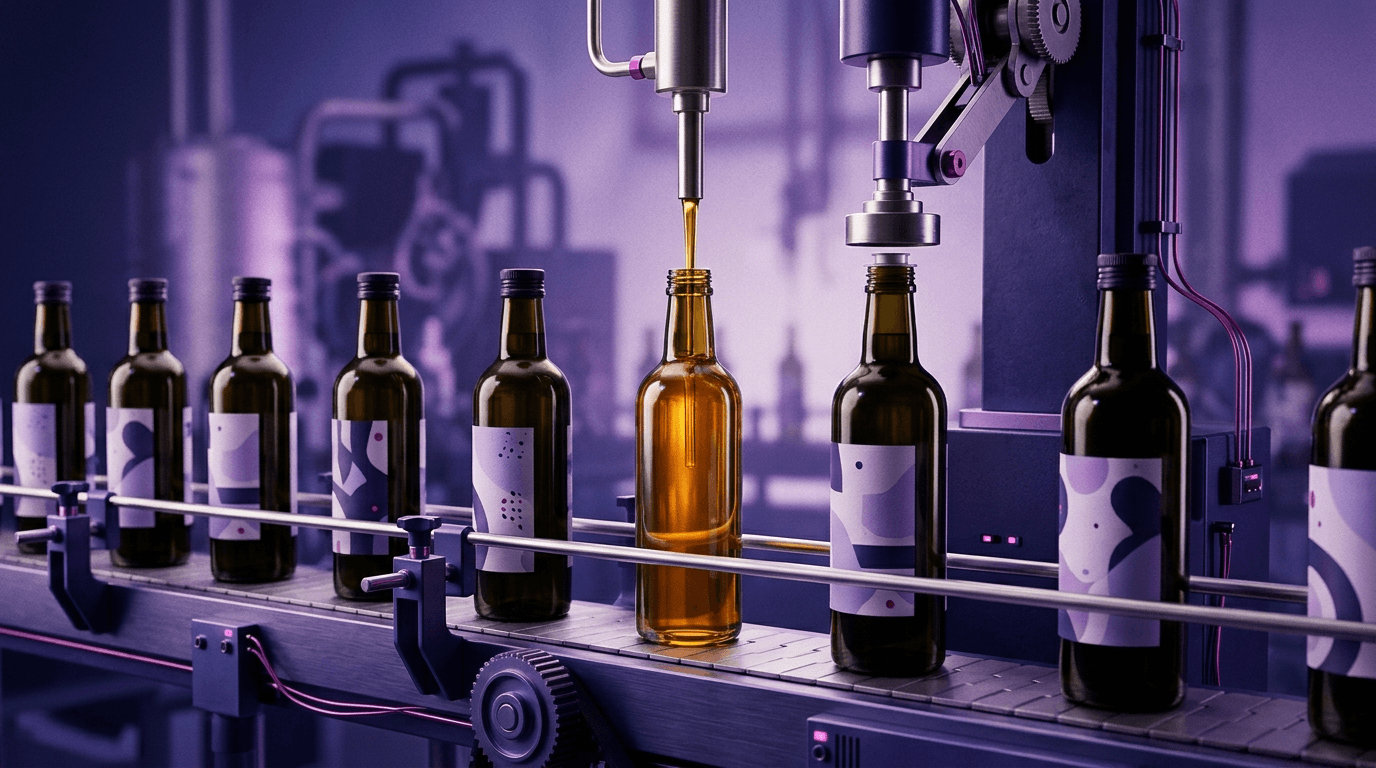
For regional food brands producing olive oil, strained honey, molasses, pomegranate molasses, or homemade tomato paste, the core operation involves filling bulk products stored in tanks or tins into glass bottles and jars of various sizes. However, in most businesses, while the cost per liter of bulk oil is known, the 500 ml dark green glass bottle, ball-bearing cap, front-and-back embossed label, tamper-evident band, laboratory acidity analysis, and spillage/sediment waste during filling are rarely consolidated into a single production cost.
When a filling batch is complete, you need to know not only how many bottles of sellable product you have on hand, but also how many liters of bulk oil actually remain in the tank, as well as the exact count of empty bottles or tamper-evident bands left over. Otherwise, shipments can face delays in the middle of harvest season simply because labels or caps ran out.
A Lean Bottling Recipe Instead of Complex Factory Systems
Most regional food facilities and family-owned businesses want fast and error-free record-keeping on filling days; they do not need complex planning schedules or heavy enterprise software. Defining a separate recipe for each bottle size (e.g., 250 ml, 500 ml, or 1-liter tin) and simply entering the resulting solid bottle count from a single form once filling is complete is all it takes.
Qolay.App, an introductory accounting platform, operates with the exact same three screens across the web and iOS/Android mobile via its Production Management add-on module: Recipes, Production Entries, and Reports. When bottles, caps, and labels are defined as Stock-type additional costs, packaging materials are automatically deducted from stock along with the bulk olive oil during every filling record, and e-commerce stock synchronization instantly reflects the newly bottled product inventory.
Numerical Cost Table: 120 Bottles of Cold-Pressed Olive Oil (500 ml)
Let's assume an olive oil producer is filling 120 bottles (500 ml) from the bulk early harvest olive oil in their chrome tank. The recipe designates 0.50 liters of bulk olive oil as a mandatory component for 1 bottle, while the 1.5 liters of oil lost due to sediment on the filling line and at the bottom of the tank are processed separately via the "Enter Waste" window.
| Cost Item | Record Type | Quantity / Rate | Unit Price | Total Amount |
|---|---|---|---|---|
| Bulk Cold-Pressed Olive Oil | Raw Material Component | 60 liters (0.50 L × 120) | 350.00 TL | 21,000.00 TL |
| Raw Material Subtotal | Percentage Base | - | - | 21,000.00 TL |
| Bulk Cold-Pressed Olive Oil | Enter Waste (Sediment/Spillage) | 1.5 liters | 350.00 TL | 525.00 TL |
| 500 ml Green Glass Bottle and Cap | Additional Cost (Stock) | 120 units (Multiplication Open) | 32.00 TL | 3,840.00 TL |
| Embossed Label and Tamper-Evident Band | Additional Cost (Stock) | 120 units (Multiplication Open) | 8.00 TL | 960.00 TL |
| Acidity Analysis and Filling Energy Share | Additional Cost (Service–Rate) | 5% (Raw Material Only) | - | 1,050.00 TL |
| Filling, Capping, and Boxing Labor | Additional Cost (Service–Amount) | 1 batch (Multiplication Closed) | 1,425.00 TL | 1,425.00 TL |
| Grand Total Cost | 21,000 + 525 + 7,275 | 120 bottles | Unit Cost: | 240.00 TL |
In the table, the 5% analysis and energy expense is applied solely to the 21,000.00 TL bulk olive oil amount; the 525.00 TL sediment waste and the total 4,800.00 TL bottle, cap, and label stock additional costs are excluded from the percentage calculation. When the total cost of 28,800.00 TL is divided by 120 solid bottles, the unit cost per bottle comes out to 240.00 TL.
Bottling and Regional Food Application Workflow with Qolay.App
- Recipes (Production → Recipes): Create a single recipe for each bottle or jar size (250 ml, 500 ml, 1 L, 5 L tin). Enter the bulk product using decimals (e.g., 0.50 L) based on the liter or kg unit on the product card; there is no unit conversion in the first version. When you add the bottle, cap, label, and tamper-evident band as Stock-type additional costs, their costs are also deducted from stock.
- Production Entries and Enter Waste (Production → Production Entries): Once filling is complete, enter the date, product, and quantity of produced solid bottles from the facility using the mobile app or from the office via computer. If any glass bottles broke during that batch or oil sediment remained at the bottom of the tank, process it through the "Enter Waste" window.
- E-Commerce Stock Synchronization, PDF Slip, and Reports: Upon approval, bulk oil, bottles, and labels are deducted from inventory; 120 units of 500 ml olive oil enter stock, and marketplace stock synchronization automatically reflects the new count. The overnight FIFO engine finalizes the final cost. You can print the Production Slip PDF and export the Raw Material Consumption, Waste Report, and Recipe Cost reports featuring the "Show Margin" option to Excel.
4 Common Mistakes in Olive Oil and Regional Food Production
- Purchasing Bulk Product in Liters and Writing It in a Kilogram Recipe: Olive oil has a density difference; if your purchase invoice is in liters, ensuring the product card and recipe unit are also in liters guarantees consistency.
- Treating Bottles, Caps, and Tamper-Evident Bands as Bulk Expenses: Failing to deduct packaging items from stock leads to unexpected packaging shortages, especially during harvest season.
- Hiding Filling and Filtering Sediment: Not recording sediment and spillage waste generated in each batch separately via Enter Waste makes the actual oil in the tank appear higher than it is.
- Failing to Update the Profit Margin When Season Prices Change: Not reviewing the "Show Margin" field in the Recipe Cost report when new harvest oil purchases come in at a higher price leaves your sales price lagging behind.
- Not Tracking Custom Order Boxing Expenses Separately: When extra foam protection is used for an e-commerce customer, it should be added exclusively as a Stock additional cost specific to that production entry, keeping the main recipe clean.
Frequently Asked Questions
Can I fill the same bulk olive oil into both 500 ml bottles and 5-liter tins?
Yes. You can define a recipe with a 0.50 L component for the 500 ml glass bottle product and a separate recipe with a 5 L component for the 5-liter tin product, deducting both from the same bulk oil stock.
How does the process work if we press our own olives to obtain bulk oil first?
Since there is no automatic sub-production, you first create a bulk oil (semi-finished product) production entry from olives to bring the oil into stock; then you use this bulk oil as a component in the bottling recipe.
Can I enter a filling record if my bottle or label invoice will arrive later?
Yes. Even if an insufficient stock warning pops up, the entry is not blocked. Once you enter your purchase invoice, negative stock is cleared and the overnight FIFO engine updates the cost.
How do I report all fillings and waste made throughout the year?
Under Production → Reports, you can view Production Summary, Raw Material Consumption, Waste Report (up to 5,000 rows), and Recipe Cost reports covering up to 366 days and export them as Excel.
Conclusion: Net Cost from Harvest to Table
Turning labor into profit in olive oil and regional food production relies on clearly knowing how much bulk product cost went into which bottle and at what price. You can effortlessly manage your filling, packaging, and marketplace inventory with Qolay.App Production Management. You can also check out our article on Stock Cost and Valuation for inventory valuation.
Open a free account on Qolay.App, activate the Production Management module from Qolay Market with a trial period, and create your first bottling recipe.
This article is for general informational purposes. It is recommended to consult your financial advisor regarding food production, agricultural producer purchases, and financial practices.
Try it after reading
Start applying what you read with Qolay.App — for free.
Related articles
Other guides close to this topic.
Qolay.App Production Management: Recipes and Costs in 3 Steps for Small Manufacturers
Simple Recipes, Production Entry, and Reporting for Workshops, Cafes, and E-Commerce Manufacturers
Learn how to create recipes, enter production data, track waste, and analyze unit costs in three steps with the Qolay.App Production Management module, developed for small and medium-sized businesses.

2027 e-Ledger Transition Preparation: Step-by-Step Checklist
Pre-Accounting Setup Before Journal and Ledger Berats Begin
A step-by-step checklist for businesses preparing for the 2027 e-Ledger transition. Manage your pre-accounting setup, financial seal, and berat processes flawlessly.
How to Track Project-Based Income-Expense, Budget, and Actual Profitability?
Seeing Which Job Is Profitable with Cost Center and Project Tagging
Discover which jobs make a profit and which cause a loss for your business with project-based income and expense tracking. Learn cost center and project tagging methods.